WATER MILL PRIMARY SCHOOL 'Anything is Possible'
My Child at School App - MCAS
MCAS
What is MCAS?
MCAS (My Child at School) is a website and app for parents that is linked to our data management system in school.
At Water Mill Primary School, we use MyChildAtSchool (MCAS) by Bromcom as our home/school communication, clubs including Breakfast and After School Club and also the trips booking system and also cashless payment system. (In order to use MCAS, you will need to have a valid email address registered with the school.)
We will then email you a link to set up your MyChildAtSchool (MCAS) account. (Please check your junk/clutter.) The email will look something like this:
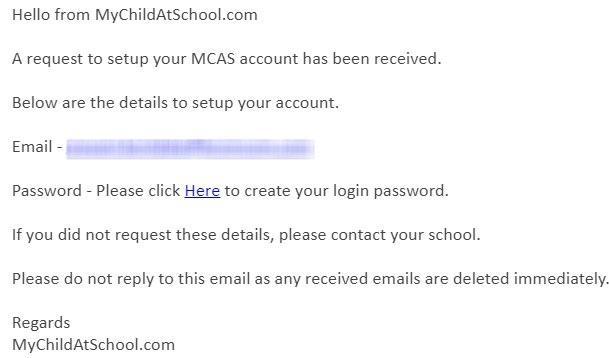
Once the above registration process has been completed by yourself, you can access MyChildAtSchool (MCAS) in two ways: Firstly, please ensure you download the app. This will ensure you receive notifications from school. You do not receive notifications from the website.
1. Download the FREE App: 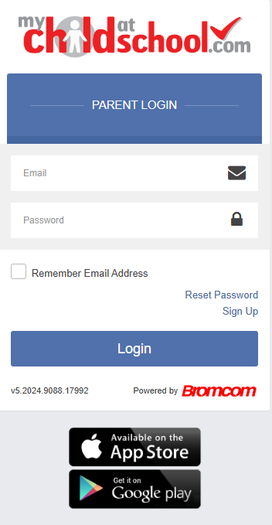
2. Web portal: https://www.mychildatschool.com
You can also access MCAS via the website.
How to access MCAS website
You should have a username and password from school. If you haven't got one, please contact us at enquiry@watermill.bham.sch.uk
You can download a Parent/Carer user guide for the MyChildAtSchool app below: